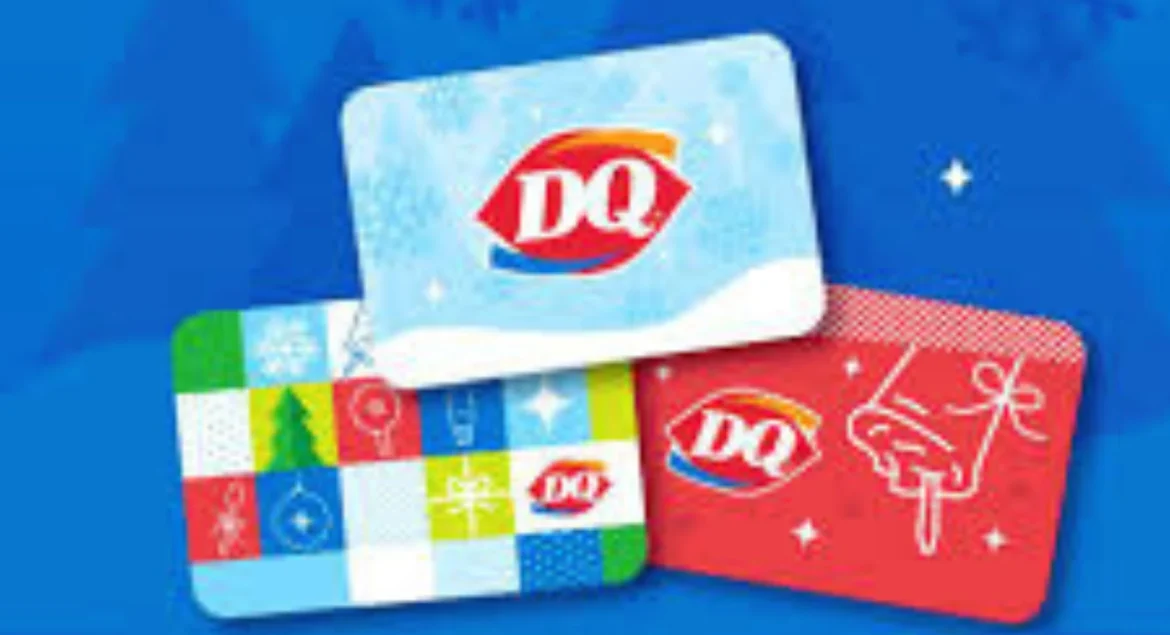
You’re standing at the counter, eyeing a Blizzard or combo meal, and suddenly that familiar question hits: Will my gift card cover this order?
Checking your DQ gift card balance before you order saves time, avoids awkward moments, and helps you plan your purchase with confidence.
Fortunately, Dairy Queen makes it easy. There are four reliable ways to check your balance: online, by phone, in-store, and through the DQ app. This guide walks you through each method step by step, including what information you’ll need and how to fix common issues.
Whether you have a plastic gift card or an eGift card, and whether you’re in the United States or Canada, this guide covers everything you need to know—clearly and simply.
What You Need Before Checking
Before starting a DQ gift card balance check, gather the right details to avoid errors or delays.
You’ll need your 16-digit gift card number, which is printed on the back of physical cards or included in your eGift email. Most newer eGift cards also require a PIN, especially those purchased after November 24, 2025.
If you have an older eGift card, you may not see a PIN at all. That’s normal. These cards typically require the email address used at purchase instead.
Important note: eGift cards bought before November 24, 2025, do not have PINs and must be checked using a different portal or with customer support.
Having this information ready ensures your balance check goes smoothly.
How to Check Your DQ Gift Card Balance Online
The fastest and most popular way to check your DQ gift card balance is online.
Step-by-Step Instructions
-
Visit: dairyqueen.wgiftcard.com/rbc/dairyqueen
-
Enter your 16-digit gift card number
-
Enter your PIN (if required)
-
Click “Check Balance”
Within seconds, you’ll see your remaining balance displayed on the screen. Most users will see the available dollar amount clearly labeled, along with card status confirmation.
What You’ll See
After submitting your details, the page shows:
-
Remaining balance
-
Card validity confirmation
-
No transaction history (balance only)
For Older eGift Cards
If your eGift card was purchased before November 24, 2025, it may not work on the standard page. In that case, use the Dairy Queen Self Service portal, which verifies cards using the purchase email instead of a PIN.
US vs. Canada Restrictions
This is critical:
-
USD gift cards only work at US locations
-
CAD gift cards only work in Canada
You can still check balances online, but cards cannot be used across borders, even at the same brand.
Check by Phone
If you prefer not to go online, you can check your Dairy Queen gift card balance by phone.
Phone Number
📞 1-800-605-9371
How the Automated System Works
-
Call the number
-
Choose the gift card option
-
Enter your 16-digit card number using the keypad
-
Enter your PIN (if prompted)
-
Listen to your balance
If the system detects a problem—such as a damaged card or activation issue—you’ll be given the option to press 0 to speak with a live agent.
Note: Texas DQ locations use the same phone number, so there’s no regional difference here.
Check In-Store at Any DQ Location
Checking your balance in person is one of the most reliable options—especially if your card is damaged.
Simply hand your card to any team member at a participating Dairy Queen location. They can scan the card or manually enter the number into the register system.
Why In-Store Checks Are Useful
-
Works even if the magnetic strip is worn
-
No internet or phone required
-
No account setup needed
If you’re already at the store, this is often the fastest way to confirm your balance before ordering.
Check via the DQ App
You can also manage your DQ gift card balance using the official DQ mobile app.
How It Works
-
Download the DQ app on iOS or Android
-
Add your gift card at checkout
-
View your balance before paying in-store
Important Limitations
-
eGift cards cannot be used for mobile or website orders
-
App usage is for in-store checkout only
-
Gift card purchases do not earn DQ Rewards points
The app is best used as a wallet tool, not an online ordering solution.

Common Problems & How to Fix Them
Even though checking a gift card balance is usually simple, problems can still happen. Cards get damaged, emails go missing, and systems don’t always recognize older cards. This section walks through the most common issues people face when checking or using a DQ gift card—and exactly what to do in each situation.
Card Not Working or Magnetic Strip Damaged
Physical gift cards can stop working if the magnetic strip is scratched, bent, or exposed to heat. If your card won’t scan at the register, don’t panic.
What to do:
-
Ask the team member to manually enter the 16-digit card number
-
If manual entry fails, visit the Contact Us page for Dairy Queen and submit a support request
-
Include the full card number and any purchase receipt you still have
In many cases, the balance can be transferred to a replacement card if the number is readable.
No PIN on an eGift Card
Some users worry when their eGift card email doesn’t show a PIN. This is not an error.
Why does this happen?
-
eGift cards purchased before November 24, 2025, were issued without PINs
-
These older cards use a different verification system
How to fix it:
-
Use the Dairy Queen legacy Self Service portal
-
You may need the email address used during purchase
-
If the portal doesn’t recognize your card, contact customer support for manual verification
Lost or Stolen Gift Card
DQ gift cards are treated like cash, which means they’re not automatically replaceable if lost or stolen.
You can request a replacement only if you have:
-
The 16-digit gift card number
-
Proof of purchase (store receipt or eGift confirmation email)
What won’t work:
-
Store staff cannot replace lost cards
-
Support cannot recover cards without the card number
Tip: Take a photo of the back of physical cards when you receive them.
Even though the balance is zero, you haven’t used the card.
Seeing a zero balance on an unused card is frustrating—but it’s often fixable.
Common reasons:
-
The card was never properly activated
-
A system error occurred during purchase
-
The card was partially redeemed without your knowledge
What to do:
-
Call 1-800-605-9371
-
Choose the gift card support option
-
Ask the agent to verify activation status and transaction history
Many users regain access once activation is confirmed.
Online-Purchased DQ Gift Card Issues (Before & After December 2025)
DQ changed how online gift cards are supported, which can cause confusion.
If your card was purchased online:
-
Before December 2025:
Use the Dairy Queen Self Service portal for balance checks and troubleshooting -
After December 2025:
Contact support directly:-
Phone: (844) 861-0340
-
Having the order confirmation email ready speeds up resolution.
When to Contact Support Immediately
You should contact DQ support right away if:
-
Your card shows errors across multiple balance check methods
-
The card number is valid, but it is always rejected
-
Your balance changed unexpectedly
-
Your eGift card email never arrived
Support agents can manually review cards and, in many cases, restore balances.
Card Not Working or Magnetic Strip Damaged
If your card won’t scan, ask a cashier to manually enter the number. If that fails, contact DQ through the Contact Us Form with your card details.
No PIN on an eGift Card
This applies only to cards purchased before November 24, 2025. These cards were issued without PINs and must be checked using the legacy Self Service portal or by contacting support.
Lost or Stolen Card
DQ can replace a card only if you have:
-
The 16-digit card number
-
Proof of purchase (receipt or email)
Without this information, replacement is not possible.
Balance Shows $0, but You Haven’t Used It
This is often an activation issue. Call 1-800-605-9371 and ask an agent to verify activation status.
Gift Cards Purchased Online Before December 2025
-
Before December 2025: Use the Self Service portal
Where Can You Use Your DQ Gift Card?
DQ gift cards are flexible—but not unlimited.
You can use them at:
-
All participating DQ and Orange Julius locations in the US (USD cards)
-
All participating DQ and Orange Julius locations in Canada (CAD cards)
Restrictions
-
Cards cannot be used across borders
-
Not usable for online or mobile app orders
-
In-store redemption only
Always check your DQ gift card balance before visiting to avoid surprises.

Tips for Managing Your DQ Gift Card
Smart habits help you get the most value from your card.
-
Check your balance before visiting, not after ordering
-
Keep physical cards until the balance reaches $0
-
Treat gift cards like cash—lost cards without numbers can’t be replaced
-
You can split payments using multiple cards if you know each balance
A quick balance check saves time and frustration at the register.
Final Thoughts
Checking your DQ gift card balance is simple once you know your options. You can verify it online, by phone, in-store, or through the DQ app—each method is designed for different situations.
Before heading out for your next treat, take a moment to check your balance so you can order with confidence. And if anything goes wrong, Dairy Queen support can help resolve most issues quickly.
FAQs
1. Does a DQ gift card expire?
No. US DQ gift cards have no expiration dates or inactivity fees.
2. Can I use a DQ gift card at Orange Julius?
Yes, at participating Orange Julius locations in the same country as the card.
3. Can I reload a DQ gift card?
No. DQ gift cards are not reloadable once the balance is used.
4. Can I use my DQ gift card online or in the app?
No. Gift cards currently work for in-store purchases only.
5. What if my card has 16 digits but no PIN?
It’s an older eGift card. Use the legacy Self Service portal or contact support.